
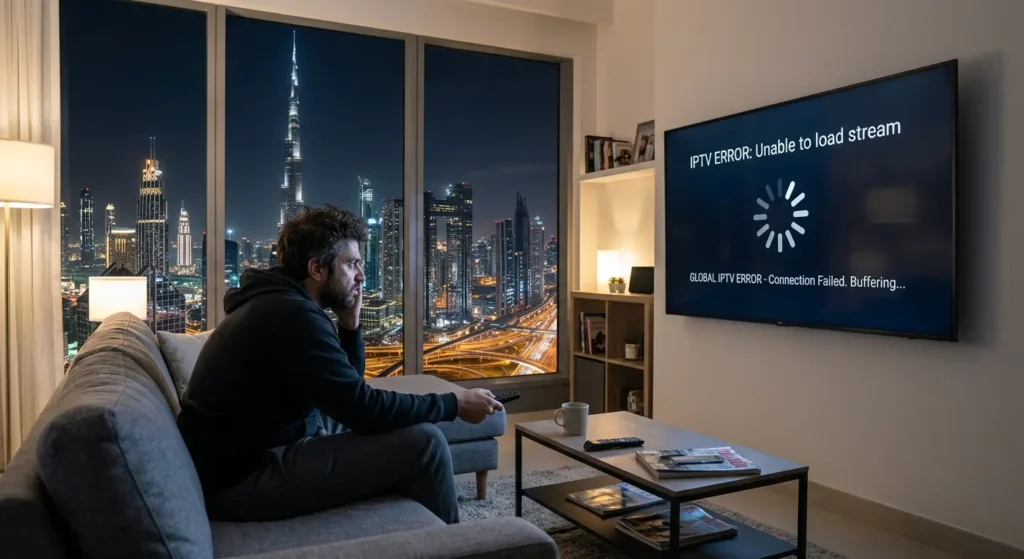
There’s nothing more frustrating than sit in to watch your favorite show, only to be met with a black screen, endless buffering, or a cryptic error message. If your IPTV is not working in the UAE, you’re not alone. Many users in Dubai and across the Emirates face issues ranging from login problems to complete service blocks. The reasons can be complex, involving everything from strict internet regulations and ISP (Internet Service Provider) blocking to simple issues with your setup.
This comprehensive guide is your ultimate resource for diagnosing and fixing all common IPTV errors in Dubai. We’ll walk you through, step-by-step, how to get your service back online, understand the legal landscape, and optimize your setup for a smooth, buffer-free streaming experience. If you’ve been searching for an “IPTV error fix in Dubai,” your search ends here.
Why IPTV Is Not Working in Dubai (UAE)
The initial step to the permanent solution of your IPTV problems is to find out the underlying cause of the problem. The causes are normally more complicated than in other places in the UAE.
Strict Internet Regulations in the UAE
The UAE has a controlled internet space. Telecommunications and Digital Government Regulatory Authority (TDRA) regulates internet access and internet content. The service providers must block the content that violates the intellectual property rights, and this has a lot of unauthorized IPTV streams. This is the primary reason why many IPTV services that work elsewhere are inaccessible in Dubai. For a deeper understanding, check our guide on Is IPTV Legal in Dubai & UAE (Complete Beginner’s Guide).
ISP Blocking & Geo-Restrictions
Etisalat and Du appear to be the Internet Service Providers in the UAE that actively block access to servers belonging to unlicensed IPTV providers. This may occur abruptly leading to a service that was working yesterday, failing to work today. This blocking is usually the cause of the appearance of a channel not available message or even the inability of the app to start at all. Moreover, certain valid services have geo-restrictions, restricting the content to certain areas, which may also lead to errors in playback in case it is not done correctly.
Low Internet Speed or Network Instability
IPTV is entirely dependent on the quality of your internet connection. A slow or unstable connection is a direct cause of constant buffering and lag, a common complaint among users experiencing “IPTV buffering UAE” issues. While you might have a high-speed plan, network congestion (especially during peak hours) or poor Wi-Fi signal can degrade performance significantly.
Expired or Invalid IPTV Subscription
This may seem obvious, but it’s a very common reason for service failure. A “login failed” or “playlist not loading” error is often the first sign that your subscription has expired. Providers also occasionally update their server details, which would require you to update the M3U URL or login credentials in your app.
Common IPTV Errors in Dubai & How to Fix Them
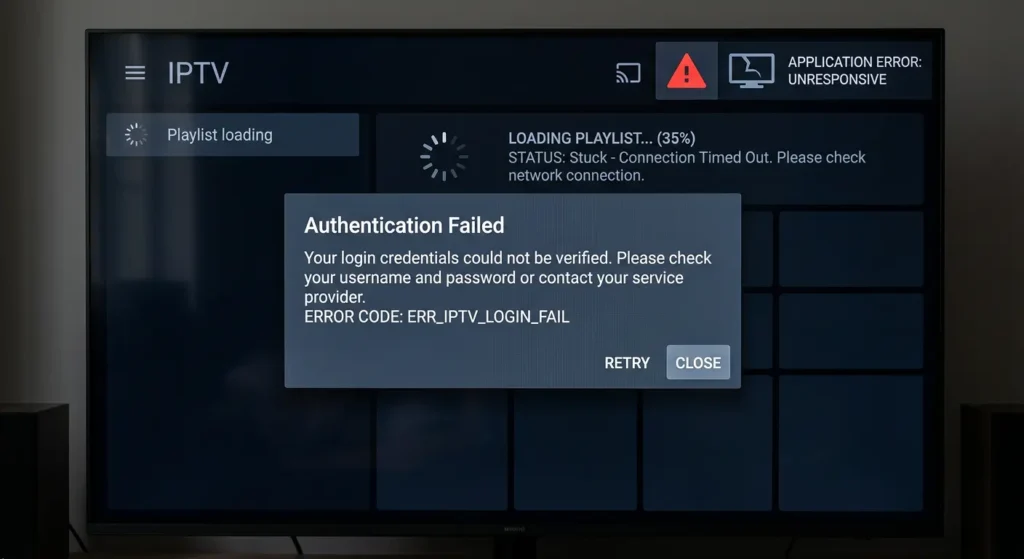
Let’s break down the most frequent errors and provide actionable, easy-to-follow fixes.
IPTV Login Issue (Username or Password Not Working)
- Causes: The most common culprits are simple typos in your username, password, or server URL. It could also be an expired account or a server-side issue from your provider.
- Solution: Double-check every character of your credentials. Many users mistakenly add “https” instead of “http” in the server URL. If you’re sure they are correct, contact your provider to confirm your account status and verify the details.
IPTV Playlist Not Loading (M3U URL Error)
- Causes: This error usually points to a problem with the M3U link your provider gave you. The link could be temporarily down, permanently broken, or blocked by your ISP.
- Solution: First, try refreshing the playlist within your IPTV app. If that fails, delete the playlist and re-add the M3U URL carefully. If the problem persists, the URL is likely inactive or blocked. Contact your provider for a new or alternative link.
IPTV App Crashing or Freezing
- Causes: An outdated app is a frequent cause of instability. Low device memory or a corrupted app cache can also lead to freezing and crashes.
- Solution: The first step is to update your IPTV app (like IPTV Smarters Pro or TiviMate) to the latest version from the app store. Next, clear the app’s cache in your device settings. This action is safe and won’t delete your login details. If problems continue, a full reinstallation of the app may be necessary.
Buffering or Lag While Streaming
- Causes: This is the classic sign of a poor or unstable internet connection. It can also be caused by an overloaded IPTV server, especially during popular live events.
- Solution: Run an internet speed test to check your connection. For stable HD streaming, you need at least 15-25 Mbps. If possible, connect your device directly to the router with an Ethernet cable, as this provides a much more stable connection than Wi-Fi. If your internet is fast, try switching to a different channel or server within your IPTV service.
Channels Not Showing or Black Screen
- Causes: A black screen often indicates the channel is unavailable due to server issues or, more likely in the UAE, ISP blocking. It could also be a temporary glitch that a simple restart can solve.
- Solution: Start by restarting both your streaming device and your internet router. If the issue remains, the channel is likely blocked. Some users employ a reliable VPN to bypass these blocks, though it’s crucial to understand the legal implications of doing so in the UAE.
How to Fix IPTV Not Working in UAE (Step-by-Step)
Follow this simple, logical troubleshooting sequence to resolve over 90% of IPTV issues.
- Step 1: Restart Your Device & Internet: This is the golden rule of IT for a reason. Unplug your streaming device (Fire Stick, Android Box) and your internet router from the power source. Wait for 60 seconds before plugging them back in. This simple power cycle resolves a surprising number of glitches by clearing temporary memory.
- Step 2: Check IPTV Subscription Status: Log into your provider’s website or contact their support to ensure your subscription is active. An expired plan is a common and often overlooked issue.
- Step 3: Update IPTV App (e.g., IPTV Smarters Pro or TiviMate): Developers regularly release updates to fix bugs and improve performance. Go to your device’s app store and check for any available updates for your IPTV player.
- Step 4: Clear Cache & App Data: Navigate to your device’s settings, find your IPTV application under “Manage Installed Applications,” and select “Clear Cache.” This can resolve many performance-related bugs without deleting your playlist.
- Step 5: Reinstall the IPTV Application: If all else fails, uninstalling and then reinstalling the app can fix deeper-rooted corruption issues. This will give you a fresh start, but be prepared to re-enter your login credentials.
- Step 6: Test Another IPTV Player: Sometimes, the issue lies with the app itself. If you’re using IPTV Smarters, try loading your M3U playlist into another player like TiviMate or vice-versa. If it works on one but not the other, you’ve isolated the problem to the app.
Is IPTV Blocked in Dubai? (Important for Users)
Yes, many IPTV services are blocked in Dubai and the wider UAE, and it’s essential to understand why.
Understanding UAE Streaming Restrictions
The UAE’s regulatory framework, enforced by the TDRA, prohibits the distribution of content without proper licensing. This is done to protect copyright holders. Local ISPs like Du and Etisalat are mandated to block websites and servers that facilitate this, which is why many IPTV providers are inaccessible.
Legal vs Unofficial IPTV Services
There is a clear distinction between legal and unofficial IPTV. Legal services are those offered by licensed telecom operators who have the rights to broadcast the content. Unofficial services, often sold cheaply online, rebroadcast channels without permission. These are the services that are targeted by ISP blocks and are illegal to use.
Why Some IPTV Services Suddenly Stop Working
The unpredictable nature of blocks is a hallmark of using an unofficial service. An ISP may identify and block a provider’s servers at any time, leading to an abrupt “service down” scenario for all its users in the region. This is the risk associated with services that are not licensed to operate in the UAE.
Best Internet Speed for IPTV in Dubai

A stable, high-speed internet connection is non-negotiable for a good IPTV experience.
Minimum Speed Requirements
For Standard Definition (SD) streaming, a minimum of 5-10 Mbps is required. However, for a buffer-free High Definition (HD, 1080p) experience, you should aim for a stable connection of at least 15-25 Mbps.
Recommended Speed for 4K Streaming
4K (UHD) streaming is significantly more demanding. To stream 4K content without buffering, a sustained speed of 30-50 Mbps or higher is strongly recommended.
How to Test Your Speed
Use reliable online tools like Speedtest by Ookla or Fast.com to check your internet speed directly on your streaming device. Testing on the device itself gives you a more accurate picture of the speeds it’s actually receiving, as opposed to testing on a phone or laptop.
Best Devices for Smooth IPTV Streaming in UAE
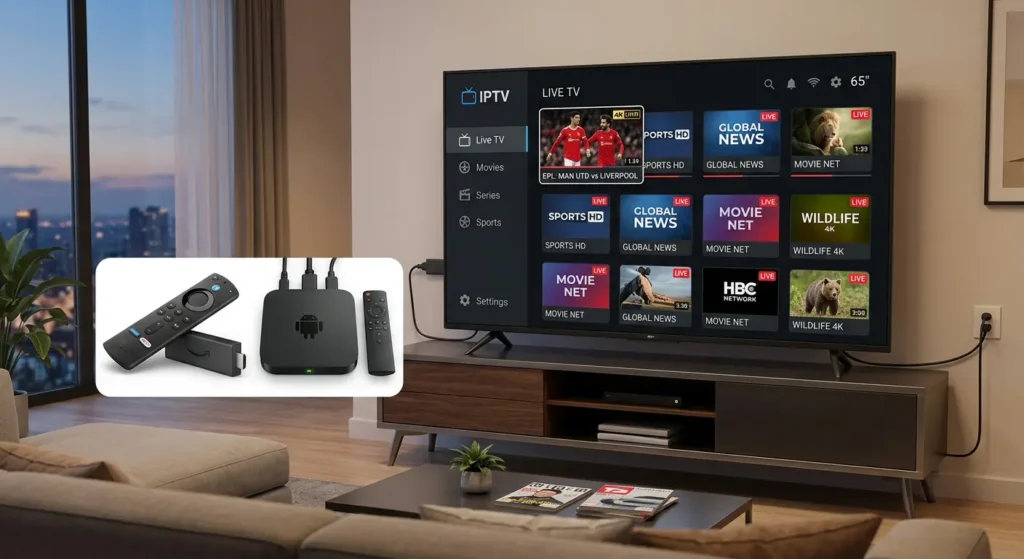
The device you use plays a critical role in your streaming quality.
Amazon Fire TV Stick
The Amazon Fire TV Stick, particularly the 4K Max version, is a popular and powerful choice. It offers robust Wi-Fi capabilities, sufficient processing power for smooth playback, and a user-friendly interface compatible with most IPTV apps.
Android TV Boxes
A quality Android TV box from a reputable brand (like NVIDIA Shield) offers excellent performance, often superior to generic, unbranded boxes. They provide more processing power, better memory management, and often include an Ethernet port for the most stable connection.
Smart TVs vs External Devices
While many modern Smart TVs can run IPTV apps directly, they often have weaker processors and less memory than dedicated external devices like a Fire Stick or Android Box. For the best performance and fewest crashes, using a high-quality external streaming device is almost always the better option.
Pro Tips to Avoid IPTV Issues in Dubai
- Use a reliable IPTV provider: Choose providers with a good reputation for stability and customer support.
- Avoid free/unstable services: Free IPTV services are notoriously unreliable and often a source of malware. If a deal seems too good to be true, it probably is.
- Keep apps updated: Always run the latest version of your IPTV player and device firmware.
- Use high-speed internet: Ensure your internet plan is sufficient for the quality you want to watch. A wired Ethernet connection is always preferable.
- Choose the right IPTV player: Experiment with different players like TiviMate and IPTV Smarters Pro to see which performs best with your service and device.
When to Contact Your IPTV Provider
If you’ve followed all the troubleshooting steps and the service is still not working, it’s time to contact your provider. Reach out to them if:
- Your subscription is active, but you can’t log in.
- You suspect a server-down issue on their end.
- Playlist errors persist even after re-adding the URL.
FAQs – IPTV Not Working in UAE (Dubai Guide)
1. Why is my IPTV not working in UAE?
IPTV may not be working in the UAE due to ISP blocking, geo-restrictions, expired subscriptions, or server issues. Internet providers like Etisalat and du often restrict access to unlicensed IPTV services, causing apps or channels to stop working.
2. How can I fix IPTV not working in Dubai?
To fix IPTV issues in Dubai, restart your device and router, check your subscription status, update your IPTV app, and re-add your playlist. If the problem continues, try using a different IPTV player like IPTV Smarters Pro or TiviMate.
3. Why is my IPTV playlist not loading in UAE?
An IPTV playlist may not load due to an expired or incorrect M3U URL, server downtime, or ISP blocking. In many UAE cases, providers block certain IPTV servers, preventing playlists from loading properly.
4. What causes IPTV buffering in Dubai?
IPTV buffering in Dubai is usually caused by slow internet speed, network congestion, or overloaded IPTV servers. For smooth streaming, you should have at least 15–25 Mbps for HD and 30+ Mbps for 4K content.
5. Why is my IPTV app crashing or not opening?
IPTV apps may crash due to outdated versions, low device storage, or corrupted cache files. Updating the app, clearing cache, or reinstalling usually fixes the issue.
6. Can internet speed affect IPTV performance in UAE?
Yes, internet speed plays a major role. Slow or unstable connections lead to buffering, lag, and playback errors. A stable high-speed connection is essential for a smooth IPTV experience.
7. What is the best IPTV player for Dubai users?
Popular IPTV players in Dubai include IPTV Smarters Pro and TiviMate. These apps support M3U playlists and offer better stability and performance.
Conclusion- How to resolve IPTV problems in UAE in a short time.
Navigating the world of IPTV in Dubai and the UAE can be challenging, but most issues are solvable. By systematically working through the steps in this guide—from restarting your hardware to checking your subscription and clearing your app cache—you can resolve the majority of login, playlist, and buffering errors.
Finally, to achieve a seamless streaming experience, you need a reliable and legal IPTV service provider, along with a high-speed internet connection and an efficient streaming device. Together, these elements ensure stable and uninterrupted viewing. With these components correctly installed and kept in proper state, you will have less time troubleshooting and more time to enjoy your favorite content.
